

Appearance
Settings
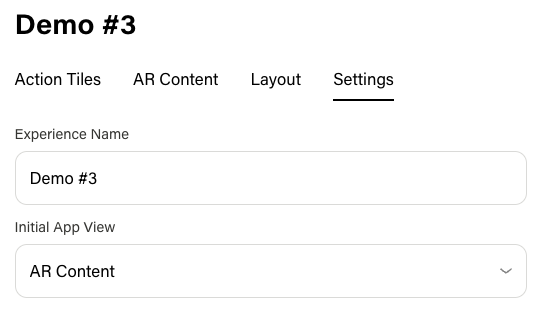
Experience-level settings control how the experience is identified and what users see when they first open it. Configure these in the Settings tab of the experience editor.
Available Settings
| Setting | Description |
|---|---|
| Experience Name | The display name of the experience. Shown in the dashboard and used to identify the experience in lists and search. |
| Initial App View | Determines where the user lands when they scan the mem-re card. AR Content — Opens the AR viewer immediately so the user can point their camera at the card. Action Tiles — Opens the Action Tile page first so the user sees the list of tiles. Choose based on whether you want the scan to lead straight into AR or into the tile experience. |
Changes to settings take effect when you save. If the experience is Live, updates apply to users the next time they open or refresh the experience.